Craft your posts.Schedule your week.Post everywhere.
Inkspring is a social media studio for Apple Silicon Macs. Research your niche and draft in your voice: posts, threads, Reels, videos, X and LinkedIn articles, newsletters and YouTube scripts. Then schedule a whole week that posts itself to X, Instagram, LinkedIn and Substack, with Reddit and TikTok coming soon. The iPhone and iPad companion keeps your schedule in your pocket. Free to use, with source available.
From an idea to a week of posts,
without leaving your desk.
Find what your niche is talking about.
Save notes and references, pull public Instagram posts through Apify, or search X with your own token. Every find becomes a post idea.
Craft social posts in your voice.
Turn ideas into X threads, image posts, LinkedIn updates and Substack newsletters, each shaped for its network. Reddit and TikTok are coming soon.
Schedule the week. Inkspring posts it.
Pick open posting hours for each channel and turn on automatic posting. Your Mac sends every post on time, and you review anything that needs a second look.
Craft it once.
Post it all week.
Inkspring is built for social posts, not long manuscripts. Shape each idea for the network it is going to, place it on your week, and let your Mac send it on time.
X
Posts, threads, replies, image and video posts, and long-form X articles
Mon 9:12 AMThread · 4 postsInstagram
Image posts and Reels with captions and covers
Tue 12:41 PMReel · cover + captionLinkedIn
Text and video posts for your profile or page, plus article drafts
Wed 8:07 AMText post · profileReddit
Coming soonText posts to the subreddits you choose
Support is on the wayTikTok
Coming soonVideos with a caption and cover frame
Support is on the waySubstack
Newsletters to your subscribers
Sun 7:58 AMNewsletter · email + webYouTube
ScriptsVideo scripts, written next to the posts that promote them
Drafts onlyScript · ready to film
Automatic posting runs on your Mac while Inkspring is open or in the background, and the Mac must be awake. Instagram posts wait for your review. Reddit and TikTok support is coming soon. YouTube scripts are drafts you film yourself; Inkspring does not upload videos to YouTube. X, Instagram, LinkedIn, Reddit, TikTok, Substack and YouTube are trademarks of their owners. Inkspring is not affiliated with or endorsed by them.
Paste a post.
Reply like you meant it.
Paste a post’s text or link from X and get a witty reply in 280 characters or less. Try it below with a few example posts.
Every productivity app is just a to-do list wearing a different hoodie.
Examples use imagined accounts. Replies are drafts that wait for your OK. Fetching a post from its link needs an X Bearer Token; images need an OpenAI key.
One image.
One clear idea.
Write the caption and pair it with a photo of your own or an image generated with your OpenAI key. Copy or save the image when it’s done.

Built it in one night. Spent the next six debugging it.
#buildinpublic · #devlife
Buying books and reading books are two different hobbies. I’m elite at one.
#booktok · #tsundoku
5am club update: awake for nine minutes, already planning my nap.
#5amclub · #morningroutine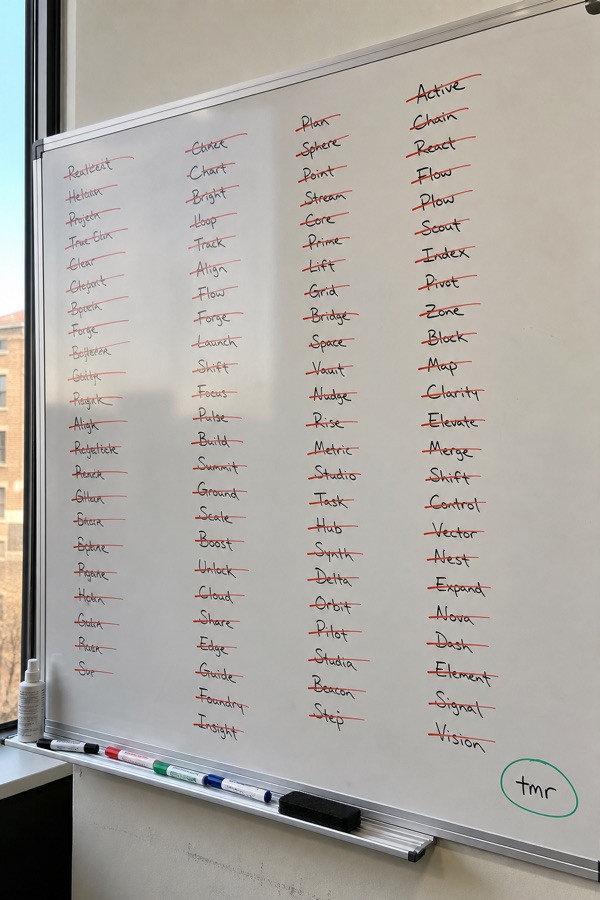
Naming the product took longer than building it.
#startups · #brandingIllustrative posts from imagined accounts, with images generated by gpt-image-2. Not customer results.
Your posting desk,
not another platform.
- 01
A workspace that stays with you.
Projects, research, and drafts live on your Mac. Open saved work without an internet connection. Export a workspace backup whenever you want to take it with you.
- 02
Your agent. Your API keys.
Choose Claude or OpenAI and bring your own API key. Your brief and selected references go directly to that provider when you ask for a draft. Image generation uses your OpenAI key. You pay the provider directly.
- 03
Research with a point of view.
Keep your own notes and references, fetch public Instagram posts through Apify, or research X with your own X API or Apify token. Bring the useful evidence into your next post or reply. Requests go to your chosen provider.
- 04
No Inkspring account. Your channels.
Connect your own accounts and publish to X (posts, threads, replies, image and video posts, and articles), Instagram (image posts and Reels), LinkedIn (text and video posts) and Substack (newsletters). Draft YouTube scripts alongside them. Reddit and TikTok are coming soon. Automatic posting sends scheduled posts from your Mac, and Instagram posts wait for your review. Platform permissions and account requirements apply.
The power runs on your Mac.
Your iPhone keeps up.
Inkspring for Mac does the work: research, AI writing, your connected accounts and automatic posting all run there. The iPhone and iPad app is a companion to it. It syncs with your Mac through your private iCloud, so you can review drafts, revise, and move or cancel scheduled posts while you are away from your desk. It is made for people who use their Mac and iPhone together.
Inkspring 1.0.77 is available for Mac. Settings → AI agents now keeps your agent skill up to date.
No Inkspring sign-in. Mobile sync is optional and stays in your own iCloud. Online AI and scraping features send requests to the providers you choose.
Your Mac does the work. Your iPhone stays in sync.
The iPhone app is a companion to Inkspring on your Mac, where the research, writing and posting happen. Drafts, ideas and your posting schedule sync between them through your private iCloud, on your own Apple Account. You can also ask Claude or Codex from their iPhone app to work with Inkspring on your Mac over MCP. We never see your work, and Inkspring needs no account.
- Sync needs
- No account
- No subscription
- No outside API
The AI agent is optional, and so is running it from your phone. If you connect one, MCP runs on your Mac, and the agent and its phone app connect through the AI provider you choose, which may receive what the agent reads.

Join The Cult of Protomota.
Our Discord community. Ask questions, get Inkspring support in #inkspring-support, and get updates on new builds straight from the team.
One newsletter.
All of Protomota.
Product updates and notes from the things I’m building. Join only if you want to.
Join the Protomota newsletterInkspring is part of Protomota, alongside OpenTalon and Jotley.
Free to use. Source available. View on GitHub
Explore ProtomotaMade for ideas.
Fueled by coffee.
Enjoying Inkspring? A coffee is a small way to support the person behind it.
Buy me a coffeeTips are optional. Every feature stays free. Your AI and scraping providers bill you separately.
Help improve Inkspring
Found a bug or have an idea for Inkspring? I’d like to hear it.
Send feedback