How to install Inkspring for Mac
Your private studio for crafting, scheduling and posting to social media.
- Apple silicon
- macOS 14 or later
- Free to use
Free software.
Supported by people.
If Inkspring helps you write, you can buy me a coffee to support its development. Thanks for using Inkspring.
Buy me a coffeeTips are optional. Every Inkspring feature and export stays free.
Download the installer

Inkspring-1.0.77.dmg
7.1 MB · Version 1.0.77
- Signed by Protomota
- Notarized by Apple
- Signed updates
Verify the download
In Terminal, run shasum -a 256 ~/Downloads/Inkspring-1.0.77.dmg and compare the result with this SHA-256:
c35d9bf1d927042414f26fcc85453a0b0b7760071b9c8a835e956535be07ffb4Open the disk image and drag to Applications
Double-click Inkspring-1.0.77.dmg in Downloads. In the window that opens, drag Inkspring onto the Applications shortcut. Eject the disk image when the copy finishes.
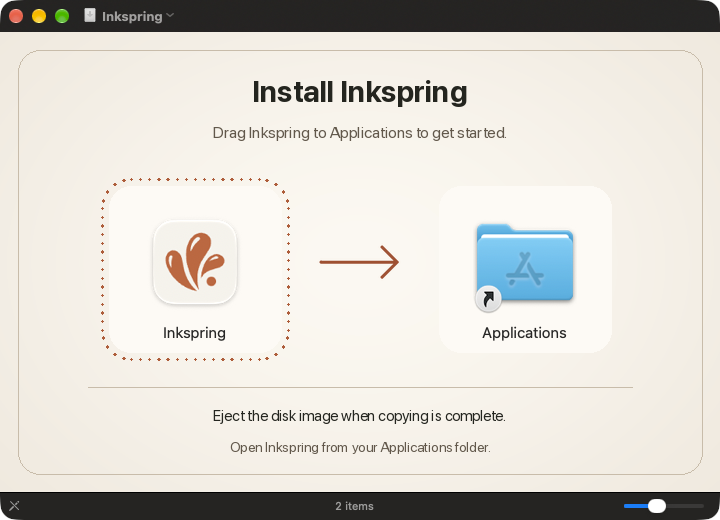
Drag Inkspring onto Applications, then eject the disk image. Launch Inkspring and start a draft
Open Inkspring from Applications. If macOS asks you to confirm opening the app, click Open. Select New draft to start writing.
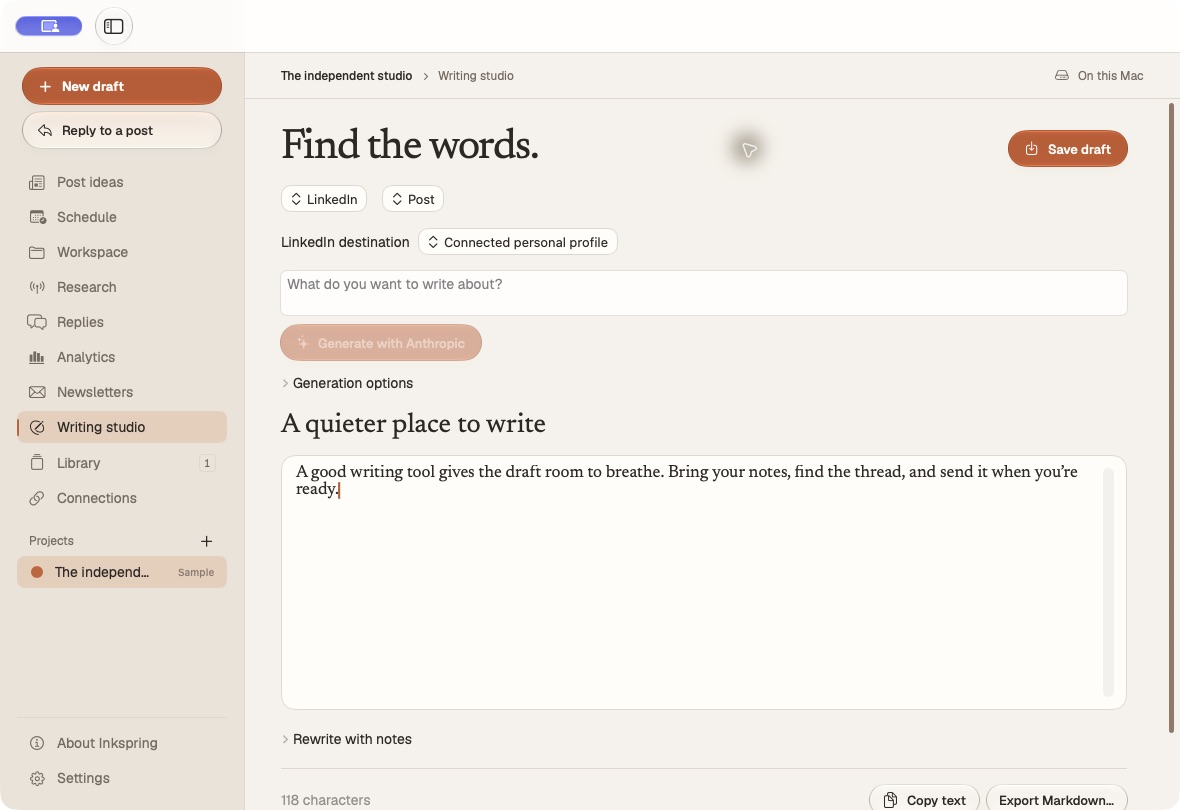
The Writing studio in Inkspring for Mac.